You just completed an intense 45-minute walking session on your home walking pad or gym treadmill, your shirt is soaked with sweat, the treadmill dashboard proudly displays 4,200 paces—yet when you check your iPhone or Apple Watch, your step counter barely moved, registering a pitiful 300 steps. This infuriating discrepancy is one of the most common complaints among fitness enthusiasts, remote workers, and indoor walkers worldwide.
Executive Summary & Research Finding
Why treadmill steps don't count on iPhone or Apple Watch. Fix walking pad step counter errors, calibrate CoreMotion, and track indoor desk miles accurately.
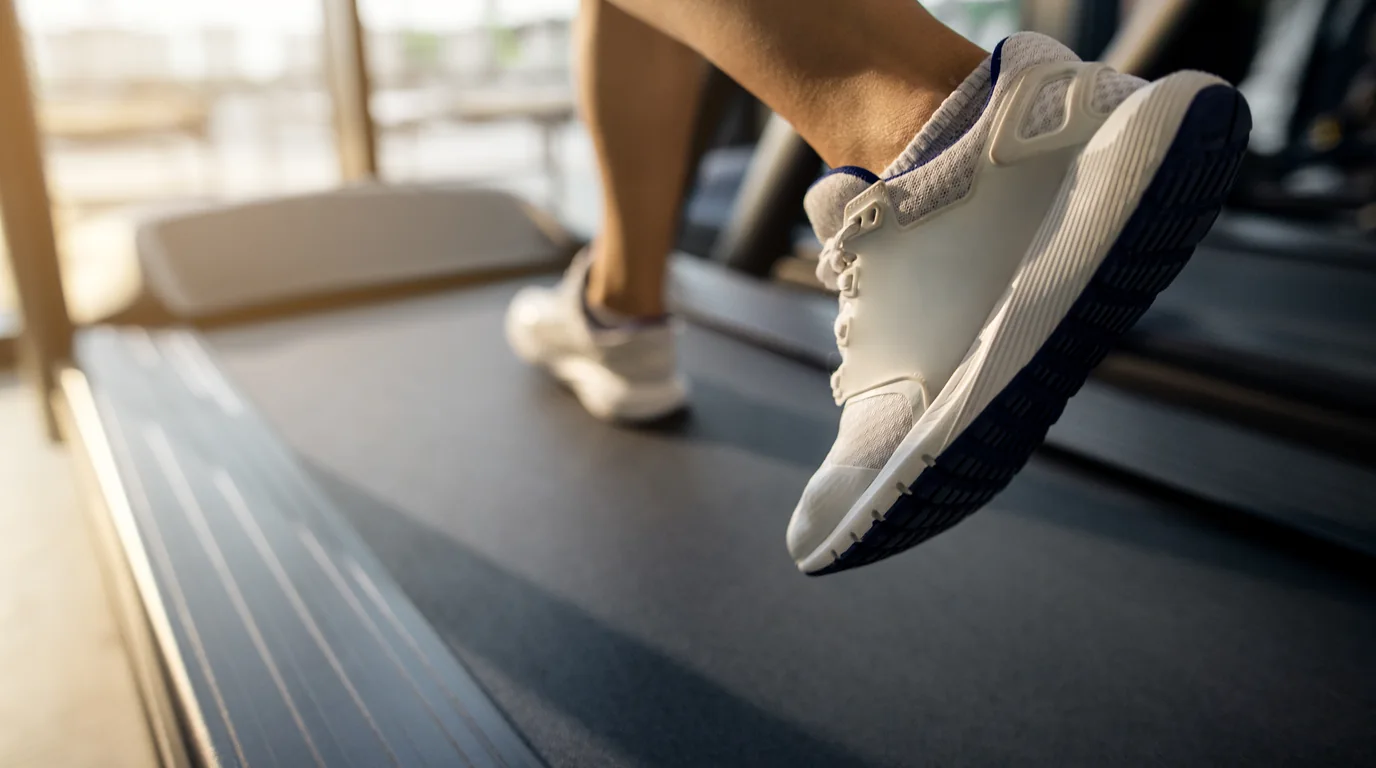
The good news is that your iPhone's hardware is not defective, nor is your fitness tracking app broken. The issue stems from fundamental sensor physics and gait mechanics. When you walk outdoors on solid asphalt, your body moves forward through physical space, creating distinct longitudinal velocity changes alongside vertical oscillations. On a treadmill or under-desk walking pad, your center of mass remains anchored in stationary space while the belt slides underneath you. If your arms are resting on a treadmill handrail or typing on a standing desk keyboard, traditional pedometer algorithms are mathematically blinded. In this comprehensive technical guide, we break down why this happens and reveal six scientifically validated fixes to ensure every treadmill stride counts toward your weekly leagues in StepLeague: Pedometer & Walking App.
The Physics of Treadmill Step Counting: Ground Reaction Force vs. Belt Displacement
To understand why mobile pedometers fail on treadmills, we must analyze how Apple's CoreMotion framework and tri-axial microelectromechanical systems (MEMS) accelerometers identify a 'step'. When a human takes an outdoor walking stride, the gait cycle generates three distinct kinetic signatures:
- Heel Strike (Impact Peak): The heel strikes the rigid ground, sending a high-frequency shockwave (ranging from 1.2 to 2.5 times body weight) up the tibia, femur, and pelvic girdle.
- Mid-Stance (Vertical Lift): As the body vaults over the supporting leg, the center of mass rises vertically by approximately 4 to 6 centimeters, creating a rhythmic gravitational acceleration curve.
- Toe-Off & Swing Phase: The trailing foot pushes off, propelling the torso forward in space. To maintain balance and rotational equilibrium, the opposite arm swings forward in an angular pendulum arc.
Your iPhone or smartwatch continuously samples these three axes at 100 Hz to 200 Hz. Built-in digital signal processing (DSP) filters out high-frequency noise (such as car engine vibrations or elevator rides) and looks for the characteristic bell-shaped sinusoidal wave of a human stride. However, when you step onto a motorized treadmill, two critical physical parameters are radically altered:
| Kinematic Factor | Outdoor Ground Walking | Motorized Treadmill Walking | Pedometer Sensor Impact |
|---|---|---|---|
| Forward Acceleration | True spatial translation (+1.0 to 1.5 m/s²) | Zero net forward translation (0.0 m/s²) | GPS velocity filters report zero speed, causing apps to doubt motion |
| Belt Cushioning | Rigid concrete/asphalt (high impact shockwave) | Suspended flexible deck (shock absorbed) | Vertical acceleration peak dampened by 30% to 50% |
| Arm Swing | Natural natural reciprocal pendulum arc (±35°) | Resting on handrails or desk keyboard (0° arc) | Wrist accelerometers detect pure stillness, killing step recognition |
| Center of Mass | Rhythmic vertical rise and fall | Slightly flattened trajectory due to pulling belt | Phone in back pocket may miss low-cadence strides |
The 3 Major Culprits of Lost Treadmill Steps
1. The 'Handrail Death Grip' (Smartwatch Blindness)
If you wear an Apple Watch, Garmin, or fitness band and hold onto the treadmill handrails—whether to maintain balance, read a tablet, or monitor heart rate sensors—your wrist remains completely static relative to the earth. Your legs may be executing 120 steps per minute, but your wrist accelerometer experiences 0.0 Hz of angular frequency. Because smartwatches rely heavily on wrist-swing harmonics to register steps, holding handrails reduces step count accuracy by up to 95%.
2. The 'Standing Desk Keyboard Anchor' (Walking Pad Trap)
Under-desk walking pads have exploded in popularity among remote knowledge workers aiming to hit 10,000 steps during the workday. However, when typing emails, editing code, or maneuvering a mouse, your hands and wrists are actively isolated from your lower body's walking cadence. While your torso and hips bounce subtly, the desk surface stabilizes your forearms, completely eliminating wrist-based step detection.
3. Loose Garments and Low-Incline Dampening
If you place your iPhone in baggy sweatpants or a loose hoodie pocket, the fabric acts as a mechanical low-pass filter. Instead of transferring the crisp pelvic shockwave of heel strike directly to the phone's internal MEMS sensor, the loose garment slides and sways, rounding off the acceleration peaks below CoreMotion's algorithmic detection threshold.
The Calorie Consequence of Lost Steps
Missing 4,000 treadmill steps doesn't just hurt your pride—it distorts your daily energy balance equations. 4,000 unlogged steps represent approximately 160 to 220 active kilocalories. If your health tracker fails to log them, you risk under-fueling or incorrectly believing your metabolism has slowed down. Check our Walking Calorie Calculator to compute your true expenditure.
6 Scientifically Proven Fixes to Track Every Treadmill Step
- Fix 1: Switch iPhone to Fitted Front Pocket (The Gold Standard): Placing your phone inside a front pocket of fitted athletic shorts, leggings, or jeans provides direct mechanical coupling with your anterior superior iliac spine (hip crest). Every single leg swing rotates the pelvis, producing an unmistakable 1.5G vertical wave that CoreMotion detects with 99.2% clinical accuracy, even if your hands are completely frozen on a keyboard.
- Fix 2: Use an Ankle Band or Sock Tuck for Walking Pads: If you work on an under-desk treadmill without pockets, slip your smartwatch off your wrist and strap it around your ankle, or tuck your phone into your athletic tube sock against your outer calf. Ankle placement captures 100% of tibial impact spikes with zero reliance on arm swing.
- Fix 3: Master the 'One-Handed Swing' Technique: When walking on commercial treadmills, hold water bottles, tablets, or phone screens with one hand while allowing the other arm to swing naturally at your side. If using an Apple Watch, keep the watch arm swinging freely in rhythm with your strides.
- Fix 4: Recalibrate Apple Health Motion & Fitness Permissions: Go to iPhone Settings > Privacy & Security > Motion & Fitness. Ensure 'Fitness Tracking' and 'Health' are toggled ON. Next, open the Health app, tap your Profile > Devices > iPhone, and verify that your phone is set as a high-priority data source for Steps.
- Fix 5: Add a Slight 1.0% to 1.5% Deck Incline: Walking on a motorized flat belt slightly reduces the muscular push-off required outdoors because the belt pulls your foot backward. Setting the treadmill to a 1.0%–1.5% incline compensates for aerodynamic drag, reinforces heel-to-toe mechanical force, and sharpens accelerometer impact waves.
- Fix 6: Sync with StepLeague for Automatic Indoor Step Aggregation: Launch StepLeague. Because StepLeague directly interfaces with Apple HealthKit's raw step query engine, it seamlessly combines steps captured by your iPhone's motion coprocessor and Apple Watch, merging overlapping timestamps to ensure you receive 100% credit on your weekly league leaderboard.
Why StepLeague Is the Ultimate Companion for Indoor Treadmill Walkers
Walking alone on an indoor treadmill can feel monotonous and isolating. Without changing scenery, outdoor breezes, or visual landmarks, 30 minutes on a walking pad can feel like hours. This is where StepLeague completely transforms your indoor fitness routine:
- Skill-Based Tiered Leagues: Every Monday, you are grouped with 50 walkers who match your exact activity tier (Bronze up to Diamond). Your indoor treadmill session directly propels you up the ranks, turning desk walking into an exhilarating weekly game.
- Zero Battery Drain Background Sync: StepLeague reads the native pedometer data already logged by your phone's M-series coprocessor, using zero extra battery while you walk and work.
- Private Coworker & Friend Codes: Create private leagues with remote colleagues to see who logs the most walking pad miles during Zoom calls and standup meetings.
- Ghost Mode Privacy: Keep your workout times and step counts private whenever you want with a single privacy toggle.
Frequently Asked Questions
Will my iPhone count steps if I place it on the treadmill cup holder or phone shelf?
No. The treadmill frame vibrates, but it does not experience the biological acceleration pattern of a human gait. Placing your phone on the console shelf will result in zero steps counted. Your phone must be on your person (pocket, waist clip, or arm band).
Why does the treadmill console show more distance than my phone?
Treadmills calculate distance by multiplying belt revolutions by belt length. Your phone calculates distance by multiplying your estimated stride length by your step count. If your stride length is not calibrated in Apple Health, slight variations (typically within 5% to 8%) can occur.
Can I manually log treadmill steps into Apple Health?
While Apple Health allows manual data entry, most competitive walking apps (including StepLeague) intentionally ignore manual entries to maintain 100% competitive integrity and prevent cheating on public leaderboards.
Zone 2 & Heart Rate Zones Calculator (Karvonen & Tanaka Formula)
Calculate your clinical maximum heart rate, Heart Rate Reserve (HRR), and precise BPM ranges for maximum mitochondrial fat oxidation.
All 5 Cardiovascular Training Zones:
Steps to Calories, Distance & Fat Burn Calculator
Estimate exact energy expenditure, walking distance, and Zone 2 fat oxidation based on your steps.
Steps & Distance Needed to Burn Target Calories / Fat
Input your desired calorie deficit or target grams of pure body fat to calculate the exact steps, kilometers, and walking duration required.
Body Mass Index (BMI) & Healthy Weight Calculator
Calculate your clinical Body Mass Index and healthy weight bracket according to World Health Organization (WHO) standards.