The sedentary reality of the modern remote knowledge worker is staggering. An average software developer, designer, or project manager working from home logs fewer than 2,800 steps per day. Even dedicated gym-goers who lift weights for 45 minutes in the evening often suffer from what exercise physiologists term **'Active Couch Potato Syndrome'**—where 23 hours of prolonged sitting negate the metabolic benefits of a single workout.
Executive Summary & Research Finding
Under-desk walking pad guide: best speeds for typing and Zoom calls, monitor ergonomics to prevent neck strain, and how remote workers hit 15,000 steps daily on StepLeague.
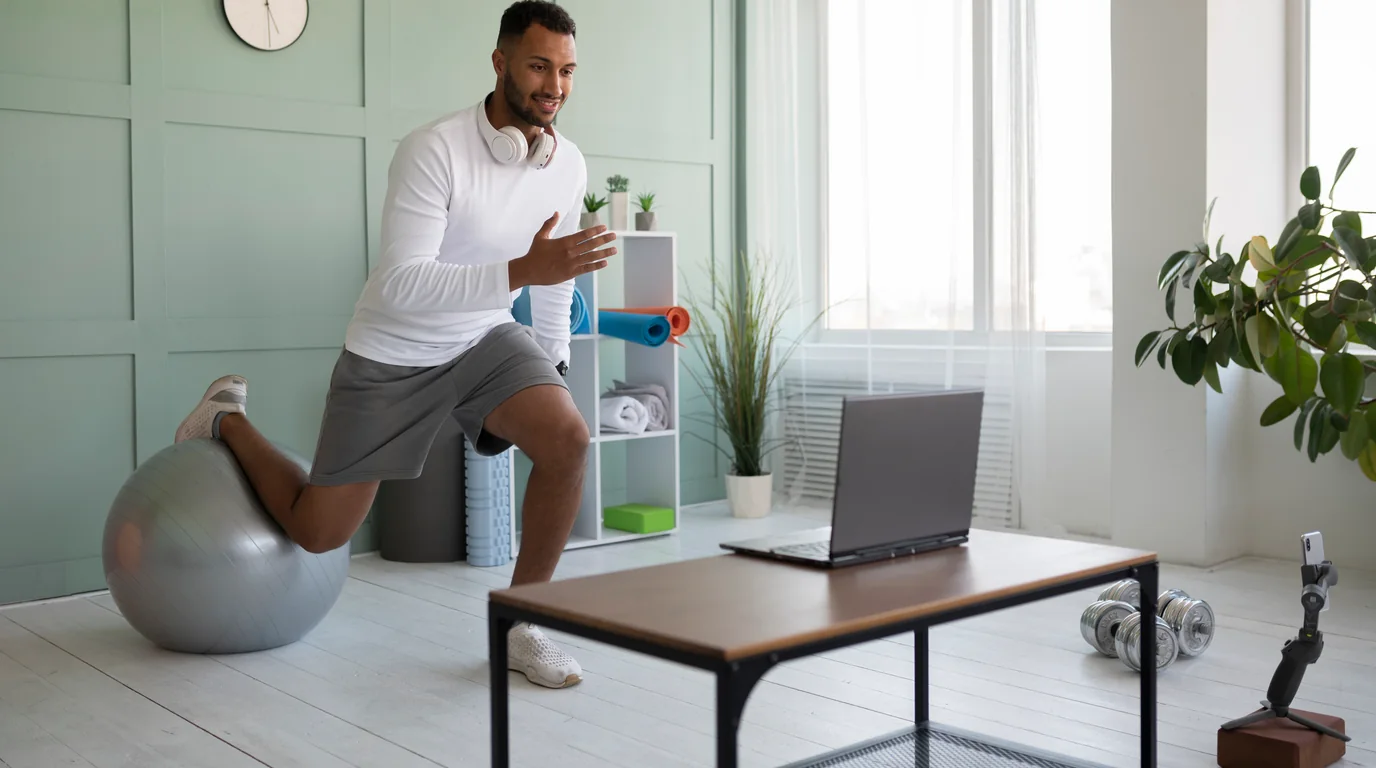
Enter the under-desk walking pad: compact, flat treadmills designed to slip beneath height-adjustable standing desks. While walking pads have become a viral trend on TikTok and LinkedIn, using one effectively without ruining your posture, wrecking your typing speed, or suffering from plantar fasciitis requires careful ergonomic calibration. In this guide, we break down the occupational science of walking while working and explain how to use your home office steps to conquer your StepLeague division.
Task Segmentation: The 3 Golden Speed Zones for Desk Walking
The number one mistake beginners make is setting the treadmill too fast. Trying to walk at 2.5 or 3.0 mph while writing an analytical report results in jerky head bobs, typo-riddled emails, and mental fatigue. To work productively, you must segment your work tasks into three dedicated speed zones:
| Work Activity | Optimal Speed (MPH) | Optimal Speed (KM/H) | Typing Accuracy Impact | Recommended Block Duration |
|---|---|---|---|---|
| Deep Focus: Coding, Spreadsheet Modeling, Copywriting | 1.0 – 1.4 mph | 1.6 – 2.2 km/h | <2% Error Increase (Negligible) | 45 – 60 minutes |
| Routine Admin: Email Triage, Slack Messaging, Reading Articles | 1.5 – 1.8 mph | 2.4 – 2.9 km/h | ~5% Error Increase (Easily manageable) | 60 – 90 minutes |
| Passive Attendance: 1-on-1 Calls, All-Hands, Listening to Webinars | 2.0 – 2.4 mph | 3.2 – 3.8 km/h | Hands free (Mic noise cancel required) | 30 – 45 minutes |
| Intense Brainstorming: Pacing, Idea Generation | 2.5+ mph | 4.0+ km/h | Not suitable for keyboard use | 20 – 30 minutes |
Ergonomic Architecture: How to Set Up Your Standing Desk
When you stand on a walking pad, the treadmill deck raises your feet by **4 to 6 inches (10 to 15 cm)** off the floor. If you do not adjust your standing desk height accordingly, you will immediately develop cervical neck strain and carpal tunnel irritation:
- Monitor Height (Eye Level Rule): The top third of your computer screen must align precisely with your horizontal eye level. As you walk, your head oscillates vertically by approximately 1 to 2 centimeters. If your monitor is positioned too low, you will crane your neck forward, multiplying the effective weight of your head on the C1–C7 vertebrae by up to 400%.
- Elbow Angle (90° to 100°): Adjust desk height so your forearms rest naturally parallel to the desk surface with elbows bent at 90 to 100 degrees. Your wrists should remain completely neutral—never flexed upward or downward.
- Keyboard & Mouse Choice: Use a split ergonomic keyboard or a low-profile mechanical keyboard. Avoid heavy keystroke force. A vertical mouse helps keep forearms in a relaxed, neutral handshake position.
The Footwear Trap: Why Walking Barefoot or in Socks Causes Injury
Many remote workers make the mistake of stepping onto their walking pad in socks, house slippers, or bare feet. While walking barefoot on natural grass or sand is beneficial, walking barefoot on a taut motorized synthetic treadmill belt over a hard composite deck creates intense, repetitive shear stress against your plantar fascia. Within two weeks, thousands of walkers develop acute **plantar fasciitis** or Achilles tendinitis.
Dedicated Indoor Walking Shoes
Always wear a pair of dedicated, supportive athletic running or walking sneakers with good arch support and EVA foam cushioning. Keep this pair strictly indoors next to your desk to avoid tracking street dirt and debris into the treadmill motor belt.
The 15,000-Step Remote Worker Protocol on StepLeague
Hitting 15,000 steps without disrupting your workday is shockingly simple when broken into structured intervals:
- Block 1: Morning Email Triage (9:00 AM – 9:45 AM): 45 minutes at 1.5 mph = ~3,000 steps.
- Block 2: Pre-Lunch Standup & Admin (11:15 AM – 12:00 PM): 45 minutes at 1.6 mph = ~3,200 steps.
- Block 3: Post-Lunch Brain Fog Buster (1:30 PM – 2:30 PM): 60 minutes at 1.3 mph = ~3,800 steps (also dramatically flattens your postprandial glucose spike).
- Block 4: Afternoon Webinar / Team Call (3:30 PM – 4:15 PM): 45 minutes at 1.8 mph = ~3,500 steps.
- Outdoor Evening Stroll: 20 minutes outdoors = ~2,000 steps.
- Daily Total: 15,500 steps logged with zero dedicated gym time!
Launch StepLeague at the end of the day to see your massive jump on the global leaderboards. Create a private league with your remote engineering or marketing team to see who takes the crown of the company's most active remote employee!
Frequently Asked Questions
Will people hear my walking pad on Zoom or Google Meet calls?
Modern walking pads operate below 45 decibels—quieter than a refrigerator hum. With modern AI noise cancellation (such as Krisp, Zoom Background Noise Suppression, or Apple Voice Isolation), colleagues will hear zero motor noise.
How often do I need to lubricate the under-desk treadmill belt?
For daily users walking 10,000+ steps, apply 10 to 15 ml of pure 100% silicone treadmill lubricant underneath the belt every 3 months or every 100 hours of operation to prevent motor overheating.
Zone 2 & Heart Rate Zones Calculator (Karvonen & Tanaka Formula)
Calculate your clinical maximum heart rate, Heart Rate Reserve (HRR), and precise BPM ranges for maximum mitochondrial fat oxidation.
All 5 Cardiovascular Training Zones:
Steps to Calories, Distance & Fat Burn Calculator
Estimate exact energy expenditure, walking distance, and Zone 2 fat oxidation based on your steps.
Steps & Distance Needed to Burn Target Calories / Fat
Input your desired calorie deficit or target grams of pure body fat to calculate the exact steps, kilometers, and walking duration required.
Body Mass Index (BMI) & Healthy Weight Calculator
Calculate your clinical Body Mass Index and healthy weight bracket according to World Health Organization (WHO) standards.